Login Message Page Enhancement
Completion requirements
View
This update introduces enhancements to the Login Message Page when "Enforce Use of External Account" is enabled in the Settings for the logged-in Client. The display of messages has been updated based on the enabled SSO options.
- When Google SSO is enabled for the Client, but Not Microsoft, it will display as:
"Log in using your Google Account, using the button below"
- When Microsoft SSO is enabled for the Client, but Not Google, it will display as:
"Log in using your Microsoft Account, using the button below"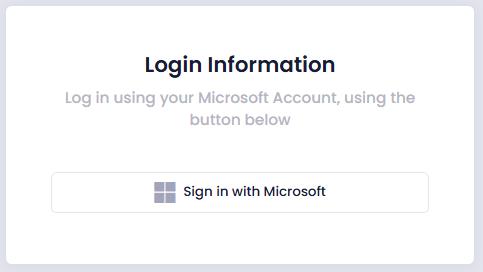
- When Microsoft SSO and Google SSO is enabled for the Client, it will display as:
"Log in using your Google or Microsoft Account, using the buttons below"
Last modified: Monday, 12 May 2025, 12:11 PM